

 FLORA
FLORA
 SPACE
SPACE
 INTERSTELLAR
 BRIGHT MIRROR
 KUZ
KUZ
ExDivo FLORA 40K Disposable Vape
$ 14.99
$ 41.99
🥳 Free shipping on all orders of 30 or more.
🥳 Free shipping on all orders of 30 or more.
🥳 Free shipping on all orders of 30 or more.
🥳 Free shipping on all orders of 30 or more.
🥳 Free shipping on all orders of 30 or more.
🥳 Free shipping on all orders of 30 or more.
🥳 Free shipping on all orders of 30 or more.
🥳 Free shipping on all orders of 30 or more.
🥳 Free shipping on all orders of 30 or more.
🥳 Free shipping on all orders of 30 or more.
🥳 Free shipping on all orders of 30 or more.
🥳 Free shipping on all orders of 30 or more.
🥳 Free shipping on all orders of 30 or more.
🥳 Free shipping on all orders of 30 or more.
🥳 Free shipping on all orders of 30 or more.
🥳 Free shipping on all orders of 30 or more.
🥳 Free shipping on all orders of 30 or more.
🥳 Free shipping on all orders of 30 or more.
🥳 Free shipping on all orders of 30 or more.
🥳 Free shipping on all orders of 30 or more.

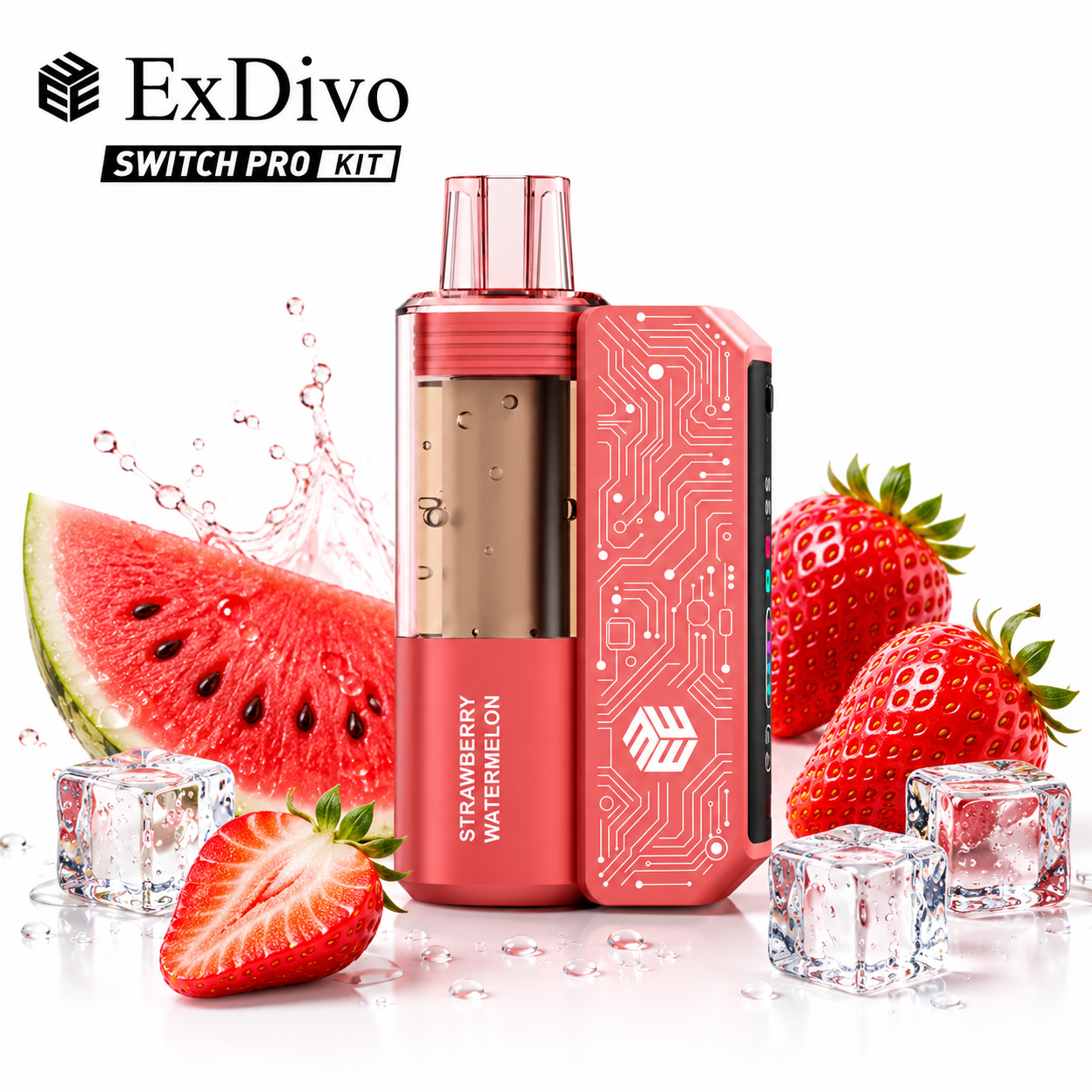
Replaceable parts add a useful inspection point: you can look at the pod, the connection and the device body before use. That does not make every fault repairable. The practical goal is to notice obvious problems early and stop when the product instructions or seller support are needed.
This checklist is for adults who already use nicotine products. Nicotine is addictive, and people who do not currently use nicotine should not start.
Confirm that the replacement component is intended for the exact device model. Similar-looking parts are not proof of compatibility. Compare the model name, connection shape and any provider instructions before opening or fitting a replacement.
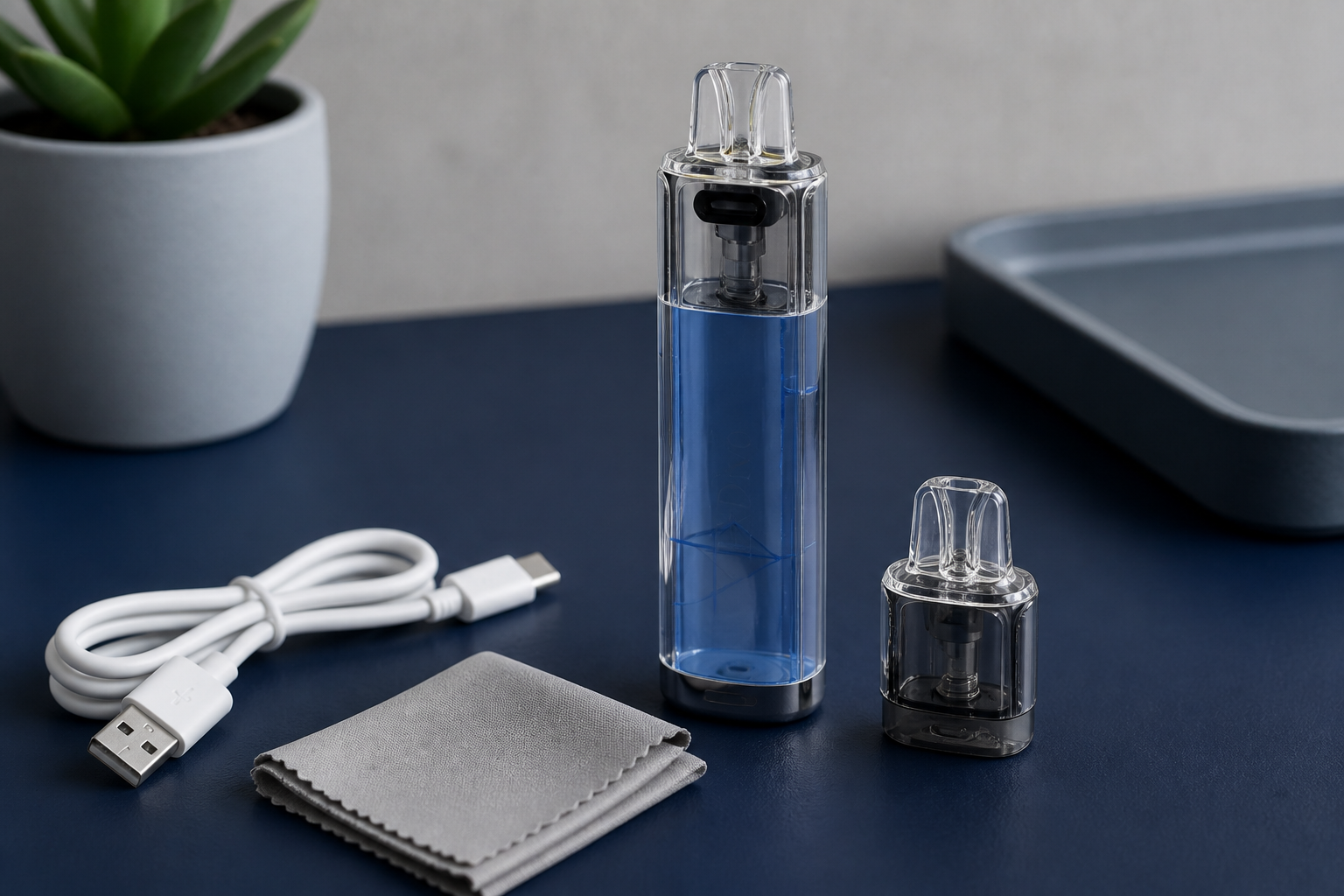
The current ExDivo KUZ listing describes a replaceable mouthpiece design, a visible oil tank, a mesh coil, a USB Type-C charging connection and an 1100 mAh battery. Treat those as identifiers for that listing, not as universal features of every replaceable pod device.
Look for cracks, distortion, loose pieces or liquid where the product instructions do not show it. Check that the mouthpiece is clean and that packaging seals were intact when supplied. Do not use a damaged component and do not try to reshape it with tools or heat.
If the pod includes a visible liquid area, use it only as the manufacturer intends. A visible section can help with inspection, but it does not diagnose coil condition or prove that a device is safe to use.
With the device inactive, inspect the connection area for debris or obvious moisture. The component should seat in the intended orientation without excessive force. Stop if it rocks, binds or requires pressure beyond the normal fitting motion described by the manufacturer.
Also inspect the outer body. Do not use a device that is swollen, unusually hot, leaking, cracked or visibly damaged. Do not open the battery housing or attempt an internal repair.
Use charging equipment and instructions specified for the device. Check the USB Type-C port for damage or debris before connecting it. Charge on a stable, non-flammable surface where the device can be observed, and disconnect it if it becomes unusually hot or shows other abnormal behaviour.
Never assume that a connector fitting the port means every charger is appropriate. The exact manual or supplier guidance controls the charging setup.
A listed puff figure is not a guaranteed personal usage duration. Draw length, operating mode and other conditions can change consumption. Use visible device information and the provider's instructions instead of treating the estimate as a countdown or safety indicator.
A short factual note helps support distinguish a component question from a device question. Record the exact model, the component used, what the indicator did and whether the issue occurred before or after charging. Do not include guesses about an internal fault.
Photograph only the exterior if the seller requests it, and keep serial or order details out of public posts. A clear support record is safer than repeatedly fitting parts, reconnecting a charger or testing a damaged device.
Keep the original packaging and instructions while the device is in use. They can help identify the exact component family and provide disposal or contact information. If a replacement arrived in packaging that names a different model, do not test whether it happens to fit. Separate it from the device and resolve the order with the supplier.
Do not puncture, refill, bypass, tape, glue or force a damaged component. If the device does not operate after the approved component is fitted and the basic external checks are complete, stop using it and contact the seller or manufacturer with the exact model and a clear description of the symptom.
The current ExDivo KUZ 25K listing provides the product-specific component and charging details used in this checklist.